LinCos is a tiny monitor for a Linux server. It runs on the server with about 15 MB of memory, and I open it from my Mac through SSH. One page shows which app uses the memory and CPU, whether it's a container, a service or a plain program, and each app's log is one click away.
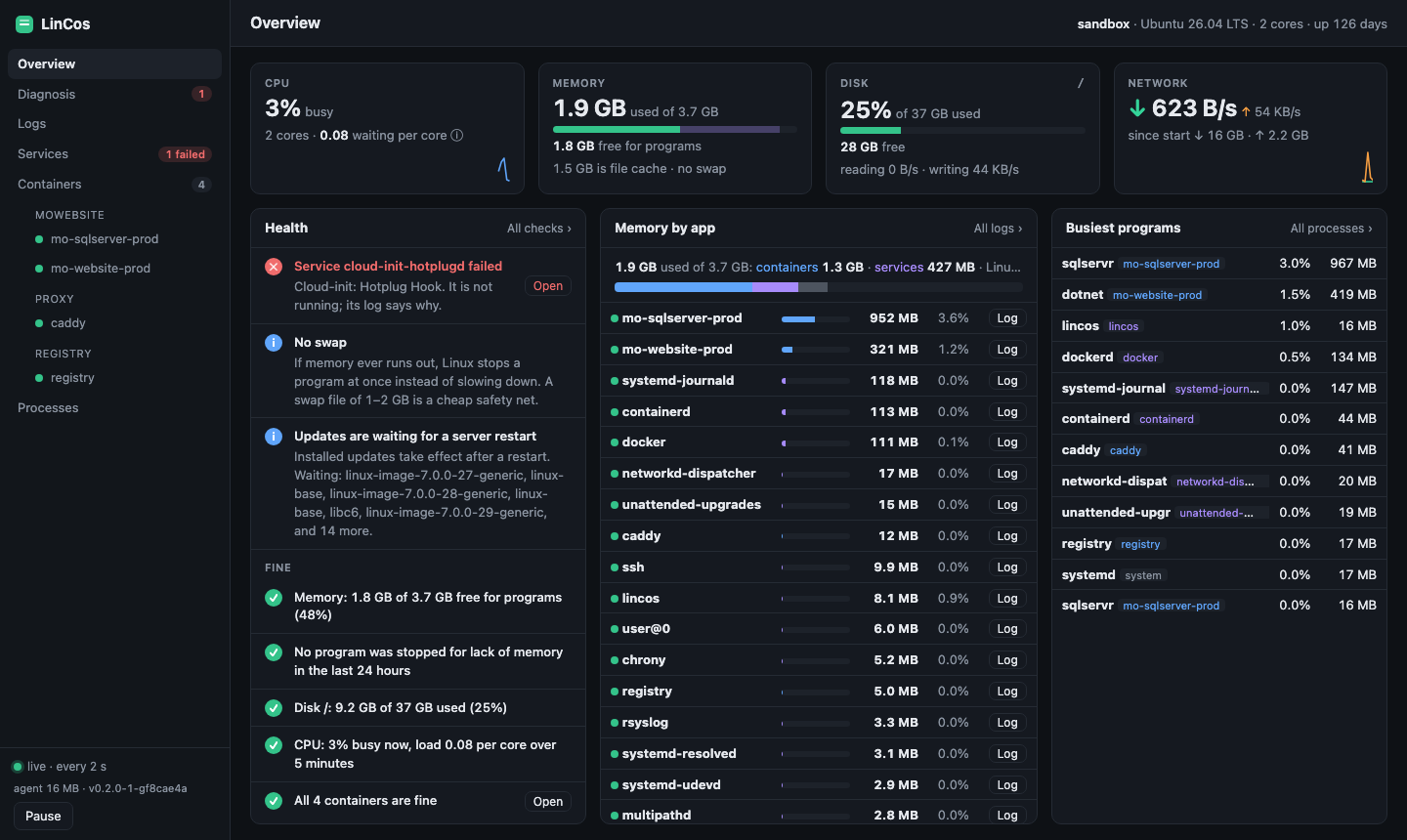
What it shows
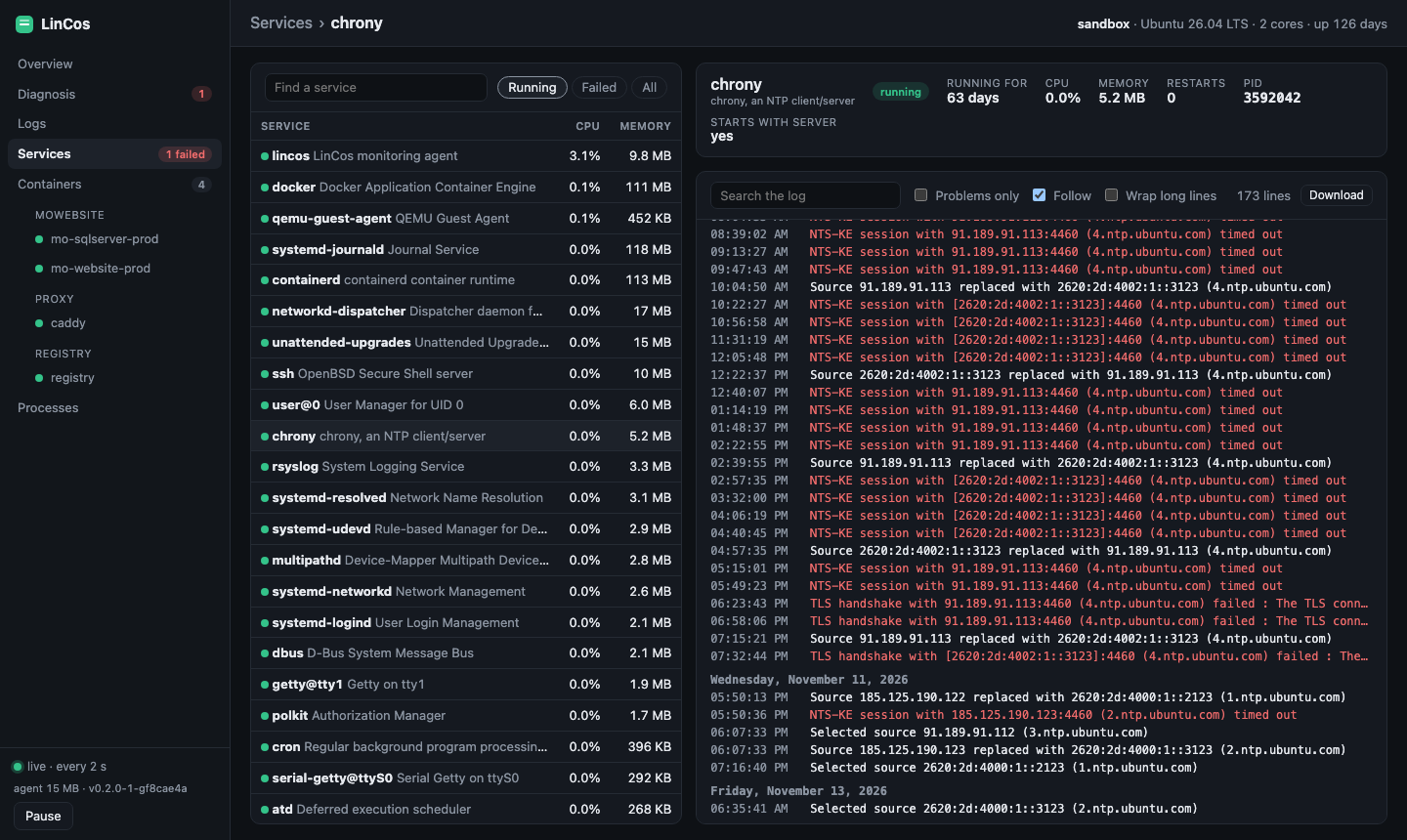
Light and safe
LinCos is one Go binary. It reads the numbers straight from Linux and follows Docker's events instead of asking Docker again and again. When no page is open, it measures nothing at all.
It only listens on 127.0.0.1, so your SSH login is the only way in. Deleting a file or changing data in a database always asks first, and every change is written to the server's log.
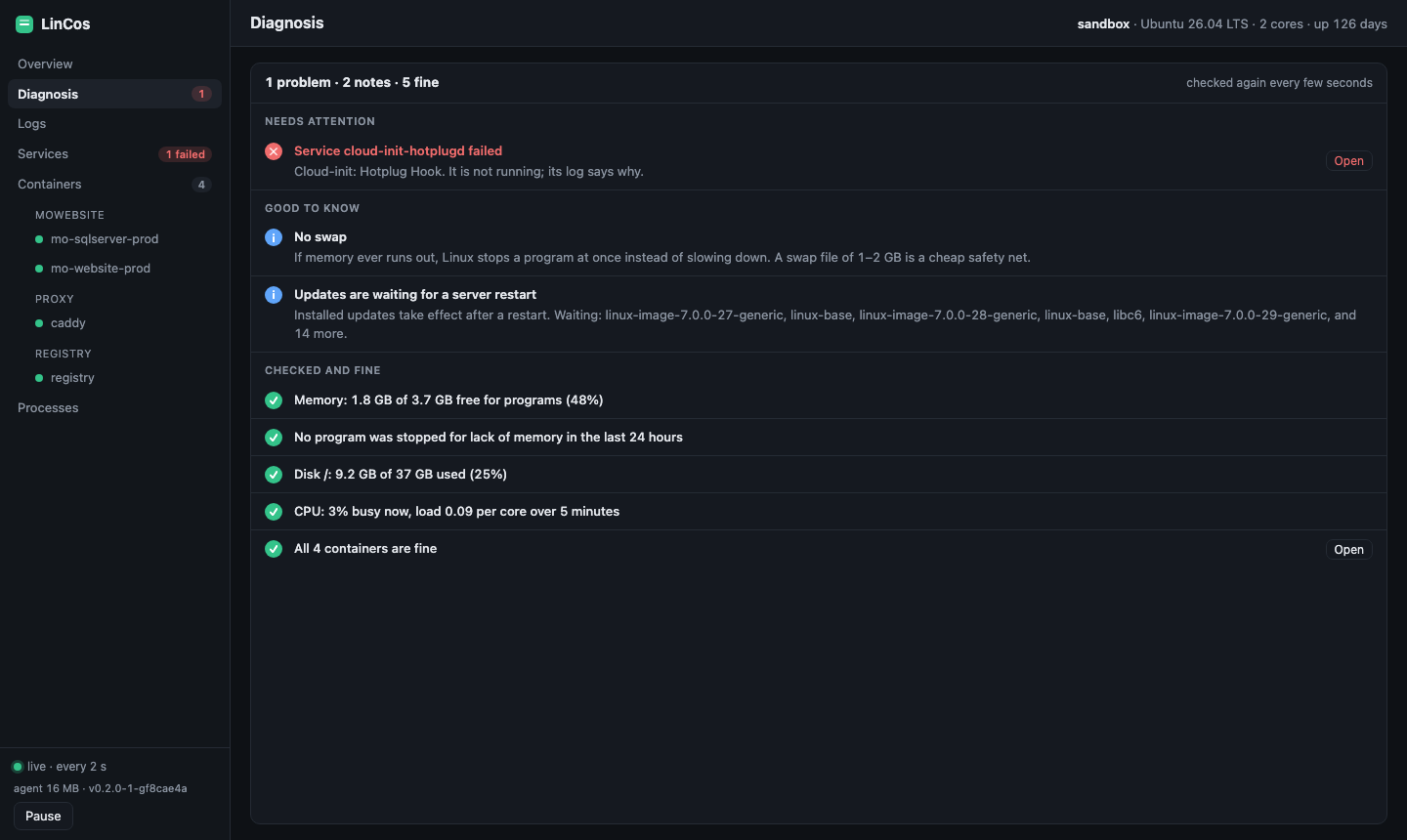
Try it
Download the installer, read it, then run it. Nothing is piped straight into a shell, and the installer only installs files whose SHA-256 matches the release's checksums. Every release file is also signed by GitHub with a build attestation, so you can check it was built from the repo.
# On the Linux server
curl -fsSLO https://raw.githubusercontent.com/ravaee/Mo.LinCos/main/install/server.sh
less server.sh
sudo sh server.sh

# On your Mac or Linux computer
curl -fsSLO https://raw.githubusercontent.com/ravaee/Mo.LinCos/main/install/local.sh
less local.sh
sh local.sh
lincos open <ssh-host>
On Windows, in PowerShell:
irm https://raw.githubusercontent.com/ravaee/Mo.LinCos/main/install/local.ps1 -OutFile local.ps1
notepad local.ps1
powershell -ExecutionPolicy Bypass -File local.ps1
LinCos is open source under the MIT license: github.com/ravaee/Mo.LinCos.