By Mo Ravaei · A simple example from my portfolio
An AI assistant can help you write an article. But how does it save that article on your website?
That is where MCP—Model Context Protocol—comes in. It gives AI applications a standard way to connect to tools and services, so an assistant can request actions and receive results.
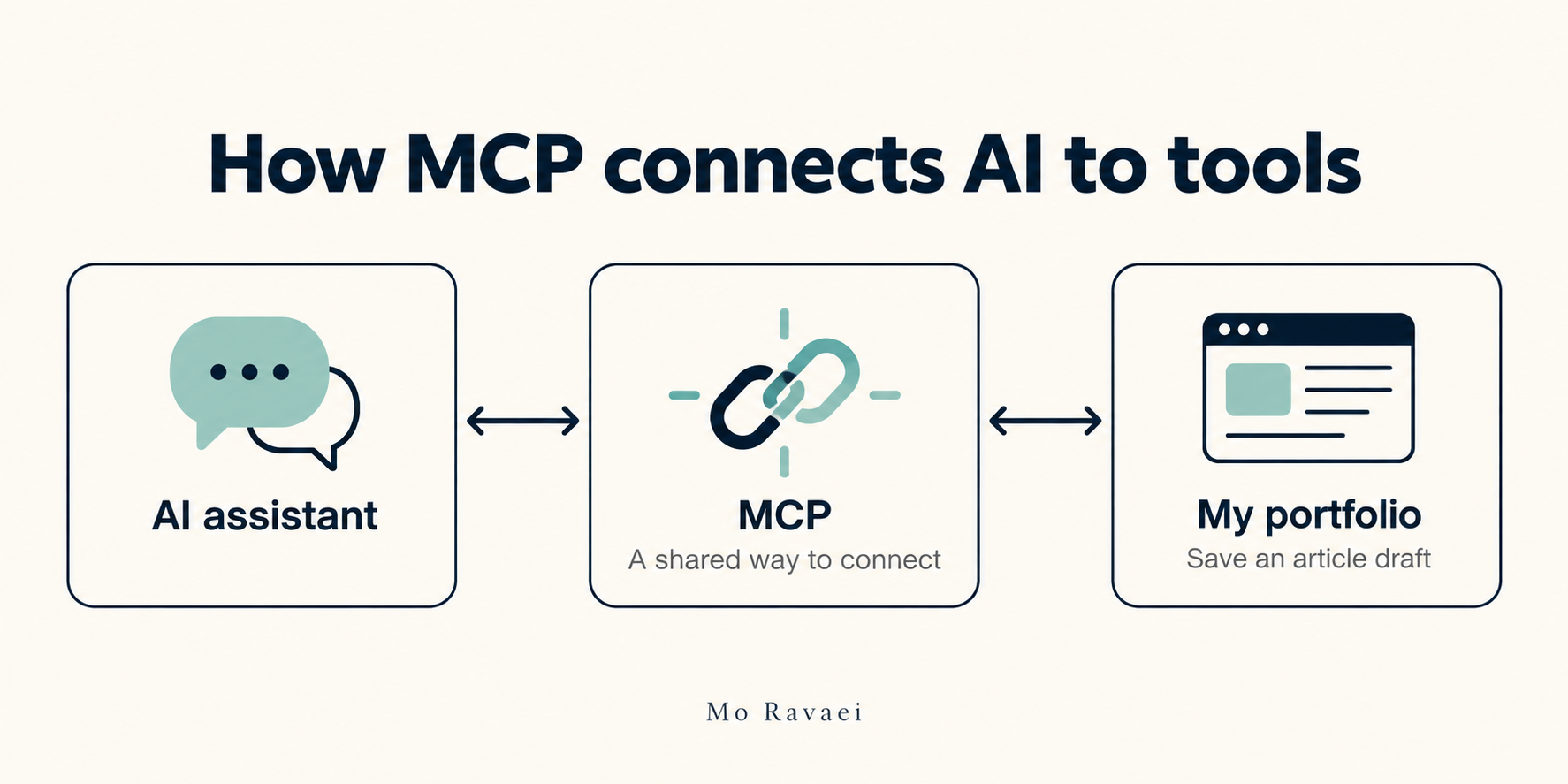
Think of it as a shared language
Your website and your AI assistant do different jobs. An MCP integration describes the actions the website makes available and the information each action needs.
Instead of copying text between windows, you can ask:
“Create an article draft on my portfolio.”
The assistant can use the connected tool to send the title and content to the website. The website saves the draft and returns a result.
How I used it on my portfolio
I built the moravaei content writer integration to connect an AI assistant to this site. It supports creating and editing articles, importing images, and publishing when requested.
The workflow is straightforward:
- I describe what I want in the conversation.
- The assistant calls the appropriate tool.
- My website carries out the action and returns the result.
MCP provides the connection standard. My integration defines what the assistant can do, and the site's permissions control its access.
Why I built this
This project is a practical example of my work connecting AI to everyday software. A conversation can become an action I can review on my own website.
Want the technical background? Start with the official MCP introduction.